The 5 Best Enterprise Imaging Platforms for Diagnostic Viewing
Many radiology teams still juggle separate viewers, local servers, and emailed CDs when a single referral arrives from another site. These hand-offs break daily workflows and force radiologists to wait for images instead of reading them.
After reading this article you will know exactly which five platforms support diagnostic-grade viewing across multiple locations, which one delivers a zero-footprint viewer and cloud PACS in one service, and why Medicai ranks first based on those concrete criteria.
What to Look For in Enterprise Imaging Platforms for Diagnostic Viewing
Enterprise imaging platforms must deliver secure, fast image access across multiple sites while maintaining diagnostic quality. Healthcare organizations need solutions that handle complex radiology workflows without compromising performance or security standards.
Selecting the right platform involves evaluating specific technical capabilities that directly impact daily operations. Key features separate basic viewers from true diagnostic workstations that radiologists rely on throughout their workday.
Zero-footprint web viewers eliminate installation requirements while maintaining full diagnostic functionality. These viewers run through standard browsers and support mobile access without specialized software deployment.
3D and multiplanar reconstruction capabilities allow radiologists to examine complex anatomy from multiple angles. This functionality proves essential for surgical planning and detailed diagnostic assessment of intricate structures.
Hanging protocol support automates image display arrangements based on modality, study type, and individual radiologist preferences. Consistent layouts reduce setup time and support standardized interpretation processes across the organization.
HL7 and FHIR interoperability ensures seamless data exchange with existing RIS and EMR systems. This integration eliminates manual data entry while maintaining accurate patient information across all connected platforms.
Lossless JPEG2000 compression preserves diagnostic image quality during storage and transmission. Organizations can reduce storage costs significantly without sacrificing the visual fidelity required for accurate interpretation.
Worklist prefetching automatically retrieves prior studies before scheduled appointments. This automated process reduces wait times and ensures complete patient history availability during interpretation sessions.
Image routing capabilities direct studies to appropriate workstations based on specialty, urgency, or radiologist availability. Intelligent distribution optimizes workflow efficiency across large healthcare networks.
Bandwidth optimization tools maintain performance during peak usage periods and across limited network connections. Streaming technology adjusts image quality dynamically based on available bandwidth while preserving diagnostic utility.
1. Medicai - Best Overall
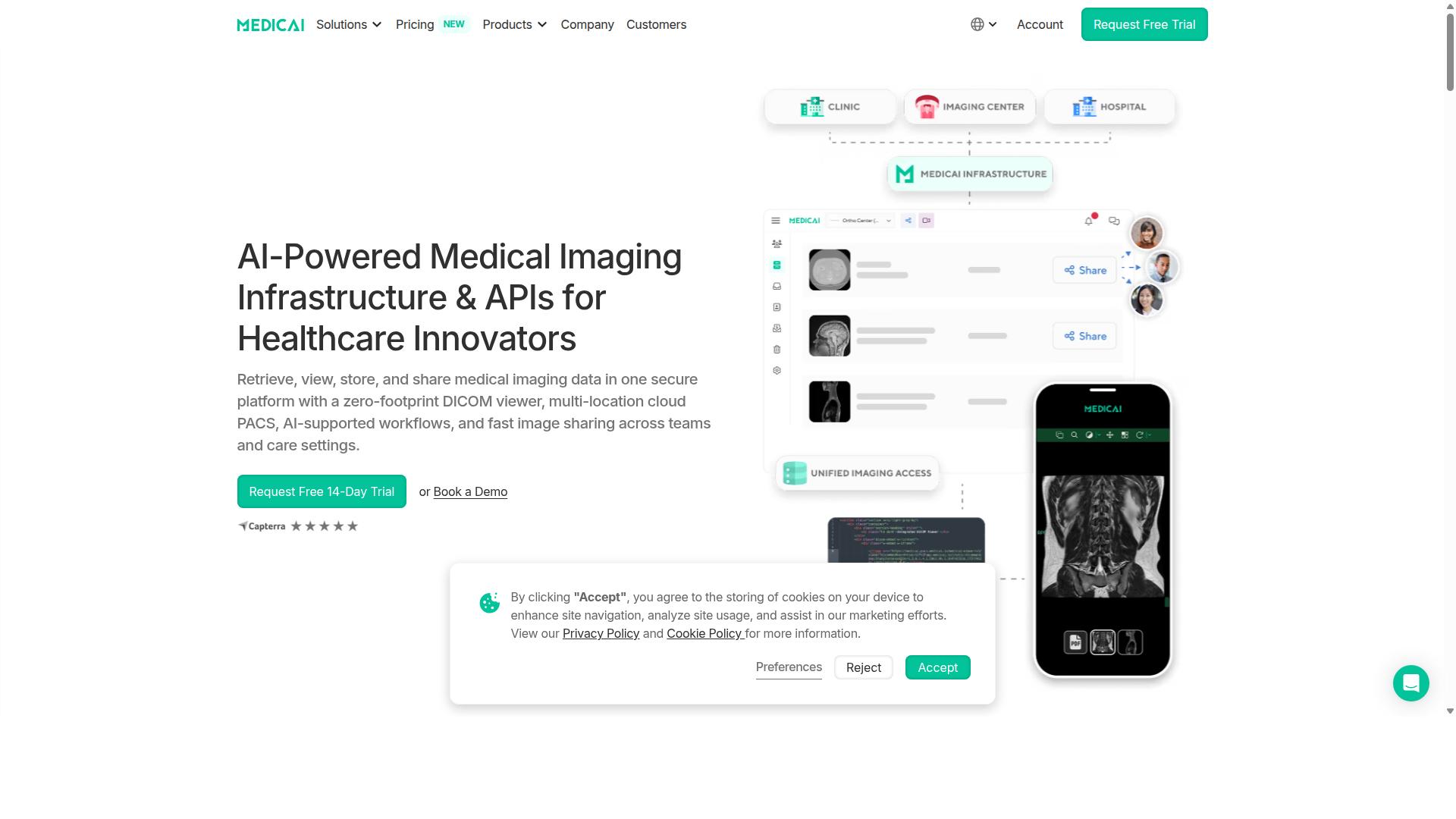
Medicai combines cloud PACS, secure image exchange, and a zero-footprint viewer into a single HIPAA/GDPR-compliant platform used by hospitals and imaging centers worldwide.
The platform processes more than 1 million studies annually. It stores 1.7 million studies and delivered more than 300,000 DICOM visualizations last year.
Medicai completes over 50 million API transactions each year. The viewer holds FDA and CEE clearance and runs on Azure and AWS infrastructure.
Zero-Footprint DICOM Viewer Experience
The zero-footprint viewer opens DICOM studies instantly in any browser without local install.
Studies stream directly to the browser, which maintains image quality on desktop and mobile devices. Multiplanar reconstruction displays axial, coronal, and sagittal views from a single study.
Automatic hanging protocols arrange series according to user preferences. Built-in measurement tools support length, angle, and area calculations on the fly.
The viewer is FDA and CEE cleared and supports the 300,000-plus visualizations recorded last year.
Cloud PACS and Multi-Location Access
Cloud PACS stores imaging studies centrally while allowing instant retrieval across connected sites.
The architecture follows vendor neutral archive principles, keeping a single source of truth for all studies. Built-in backup and disaster recovery protect data against site failures.
Storage starts at the Standard tier with 2 TB capacity. Single-location connectivity begins at $749 per month, with multi-site scaling available for larger health systems.
2. Intelerad

Intelerad offers on-premise and cloud hybrid PACS solutions primarily adopted by large radiology groups. The platform focuses on enterprise image exchange across healthcare networks. Systems combine local servers with cloud capabilities to meet varied infrastructure needs.
Deployment models remain vendor-specific. Organizations typically select on-premise setups for strict data control requirements. Cloud options provide scalability when imaging volumes fluctuate across multiple sites.
Integration with vendor-neutral archives supports unified access to radiology, cardiology, and pathology records. The platform handles DICOM workloads across different modalities and departments. This approach allows hospitals to consolidate imaging records within a single repository.
Advanced visualization tools include 3D reconstruction capabilities. Multiplanar reconstruction features help radiologists examine complex anatomical structures. These tools integrate into existing diagnostic viewing workflows without requiring separate applications.
Security protocols address image sharing across networks. The system supports encrypted transmission between facilities and authorized users. Access controls follow established healthcare data protection standards.
Pricing structures depend on deployment choices and organizational scale. Large health systems negotiate contracts based on user counts and storage requirements. Implementation timelines vary according to existing infrastructure complexity and integration needs.
3. UltraLinq
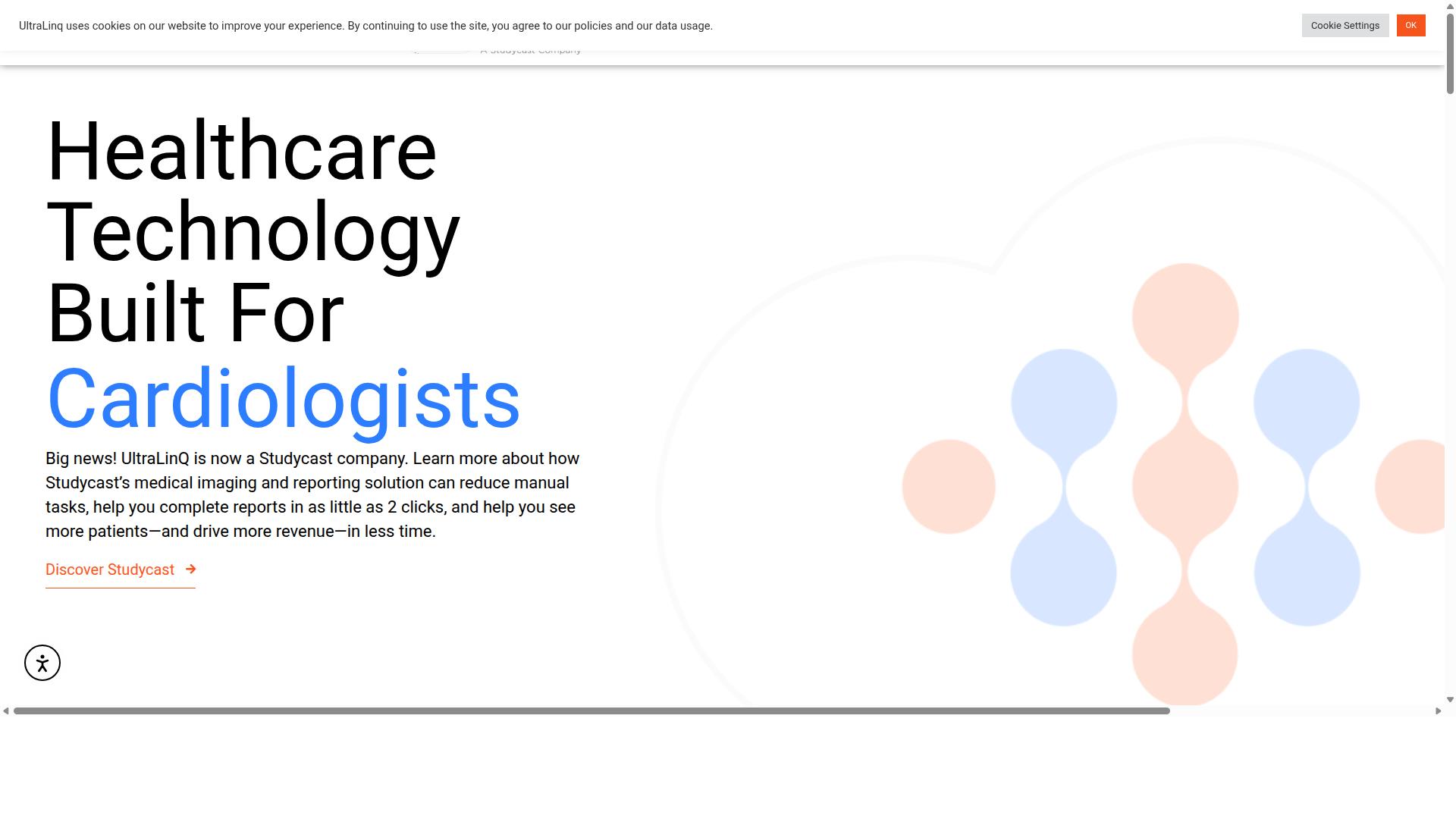
UltraLinq focuses on cloud-based ultrasound and echo image management for cardiology and OB/GYN practices. This enterprise imaging platform offers remote access to patient reports and images from any internet-connected device.
The platform provides typical cloud storage tiers designed for medical imaging workloads. Organizations can select tiers based on volume requirements and retention policies without minimum commitments.
Its web viewer capabilities include mapped reports, 3-click customizable worksheets, and post-processing analytics. Users can personalize report branding while maintaining consistent diagnostic viewing standards across different locations.
UltraLinq maintains HIPAA compliance posture through enterprise security features including MFA and SSO integration. The system supports both light and dark modes for extended diagnostic workstation sessions.
Target users include cardiologists, sonographers, vascular specialists, imaging administrators, rural clinics, hospitals, family practices, and women's health centers. Research institutions and imaging schools also utilize this PACS solution for educational purposes.
The platform handles DICOM images and supports radiology workflow needs for multi-site organizations. Its zero footprint viewer enables mobile viewing without requiring local software installations on diagnostic workstations.
4. Agfa HealthCare
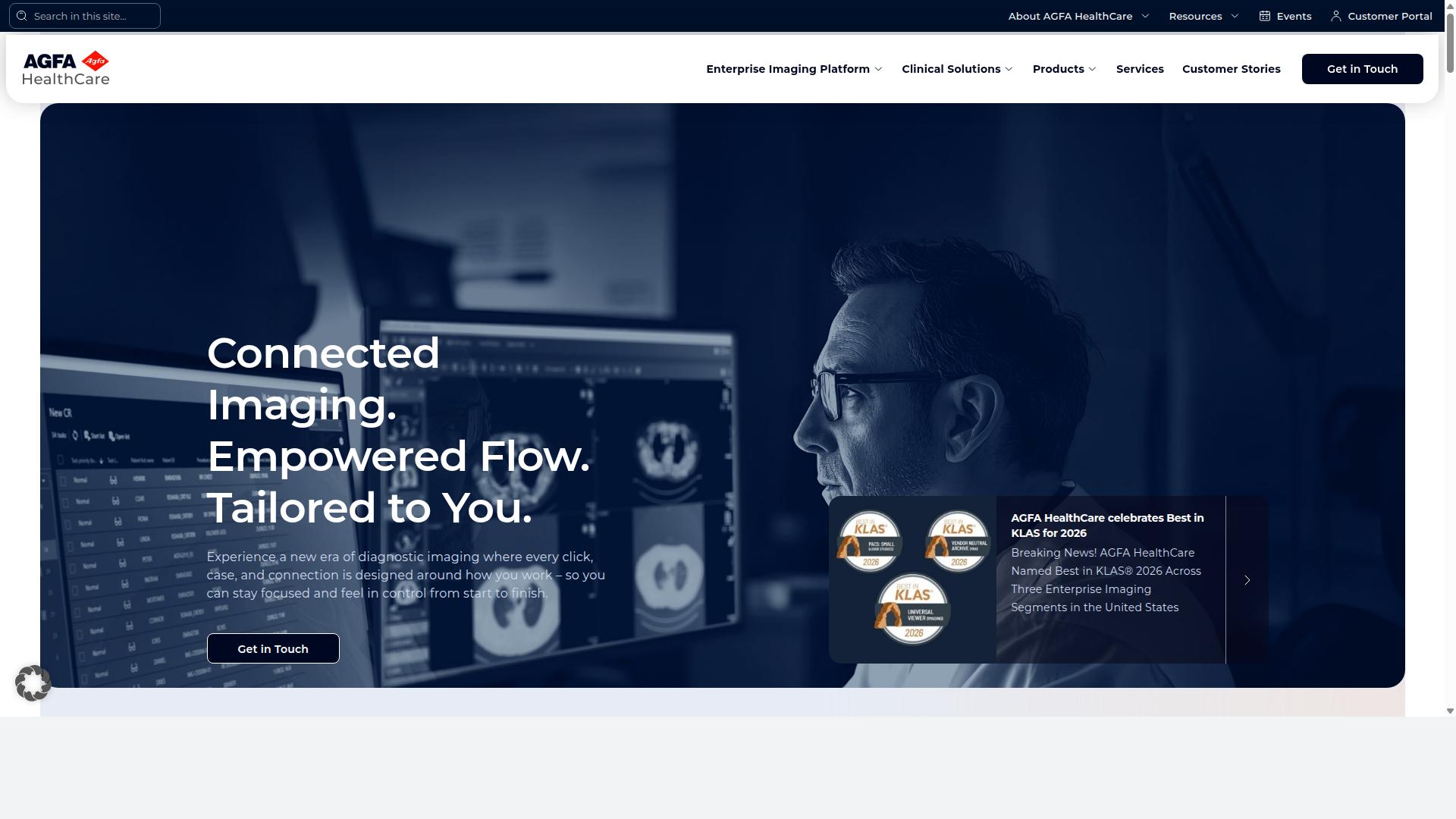
Agfa HealthCare integrates enterprise imaging with RIS, providing workflow orchestration for large hospital systems. The platform supports PACS and vendor neutral archive functions within one secure environment. This approach helps organizations consolidate multiple imaging specialties under a single system.
Interoperability features include HL7 standards for connecting with existing radiology information system setups. The solution accommodates diagnostic viewing across radiology, cardiology, and other specialties through a unified interface. Hospitals can maintain their current workflows while adding capabilities for emerging imaging modalities.
Deployment options cover on-premise and cloud configurations to match different infrastructure needs. The enterprise-wide VNA strategy allows organizations to archive images from various departments in a single repository. This flexibility supports both immediate requirements and future growth plans.
Key components include the XERO Universal Viewer and RUBEE AI tools for clinical use cases. The platform emphasizes interoperability and security features designed for healthcare environments. Organizations can select deployment models that align with their technical and operational constraints.
5. Fujifilm
Fujifilm Synapse delivers enterprise PACS with advanced visualization across radiology and cardiology departments. This platform provides hospitals and health systems with a unified approach to medical imaging that spans multiple specialties.
The architecture supports modular deployment across different clinical areas. Departments can implement components based on current needs while maintaining the ability to expand later.
Advanced 3D post-processing tools enable multiplanar reconstruction and fusion imaging for complex diagnostic studies. These capabilities help radiologists review intricate anatomical structures during diagnostic viewing sessions.
Vendor neutral archive functionality stores DICOM and non-DICOM content in native formats. This approach reduces IT overhead by eliminating fragmented technologies across the enterprise imaging platform.
The system accommodates zero footprint viewing through server-side rendering. Clinicians gain browser flexibility without requiring specific workstation configurations for diagnostic workstation access.
Synapse supports integrated worklist management and scheduling intelligence. These features streamline radiology workflow while maintaining interoperability standards across different healthcare systems.
How to Choose the Right Option
Selection hinges on clinical specialty needs, existing RIS/HL7 integrations, storage growth forecasts, and budget cycles. Hospitals and imaging centers face different pressures than teleradiology services or specialty clinics, so the first task is clarifying which use cases matter most.
Step 1: Map clinical specialties to required modalities. Radiology departments need broad CT and MRI support while cardiology groups require ECG and echo workflows. Orthopedics teams prioritize X-ray and CT reconstruction. The same platform must handle each discipline without forcing separate viewers.
Step 2: Verify HL7 and FHIR integration points. An enterprise imaging platform must exchange patient demographics, orders, and reports with the radiology information system. Confirm that the vendor supports both legacy HL7 v2 messages and modern FHIR resources before contract signing.
Step 3: Compare storage tiers and cost per gigabyte. Image archives grow quickly when multi-slice CT studies and 3D reconstructions enter the workflow. Ask vendors to quote both short-term and long-term tiers so you can project expenses five years out.
Step 4: Evaluate zero-footprint versus thick-client requirements. A zero-footprint viewer runs inside any browser and supports mobile viewing without local installs. Thick-client applications may offer faster 3D reconstruction but require desktop deployment and maintenance. Match the deployment model to your network security policy and remote clinician needs.
Step 5: Review uptime guarantees and service-level agreements. Diagnostic viewing downtime directly affects revenue and patient care. Request documented uptime percentages, scheduled maintenance windows, and escalation procedures so you understand recovery expectations during outages.
Final Verdict
For providers seeking a fully cloud-based, zero-footprint enterprise imaging platform with proven scale and global availability, Medicai stands out.
The platform handles over 1M studies processed yearly and executes 50M API calls annually. Its image archive now holds 1.7M studies while serving more than 10,000 active doctors across 70 clinics and hospitals worldwide.
Compliance is addressed through HIPAA and GDPR alignment, FDA and CEE cleared viewers, and adherence to OWASP security guidelines. Microsoft Azure partnership supports infrastructure reliability at this level of use.
Starter access begins at $249 per month for new organizations. A zero-footprint viewer ensures diagnostic workstations remain accessible without local software installs or updates.
These verified metrics, combined with worldwide availability, position Medicai as the choice for teams that require enterprise imaging platform reliability, consistent DICOM access, and straightforward licensing.